
Stop Losing Margin to Bad Color Consistency: The #1 Overlooked Cause in DTF Printing
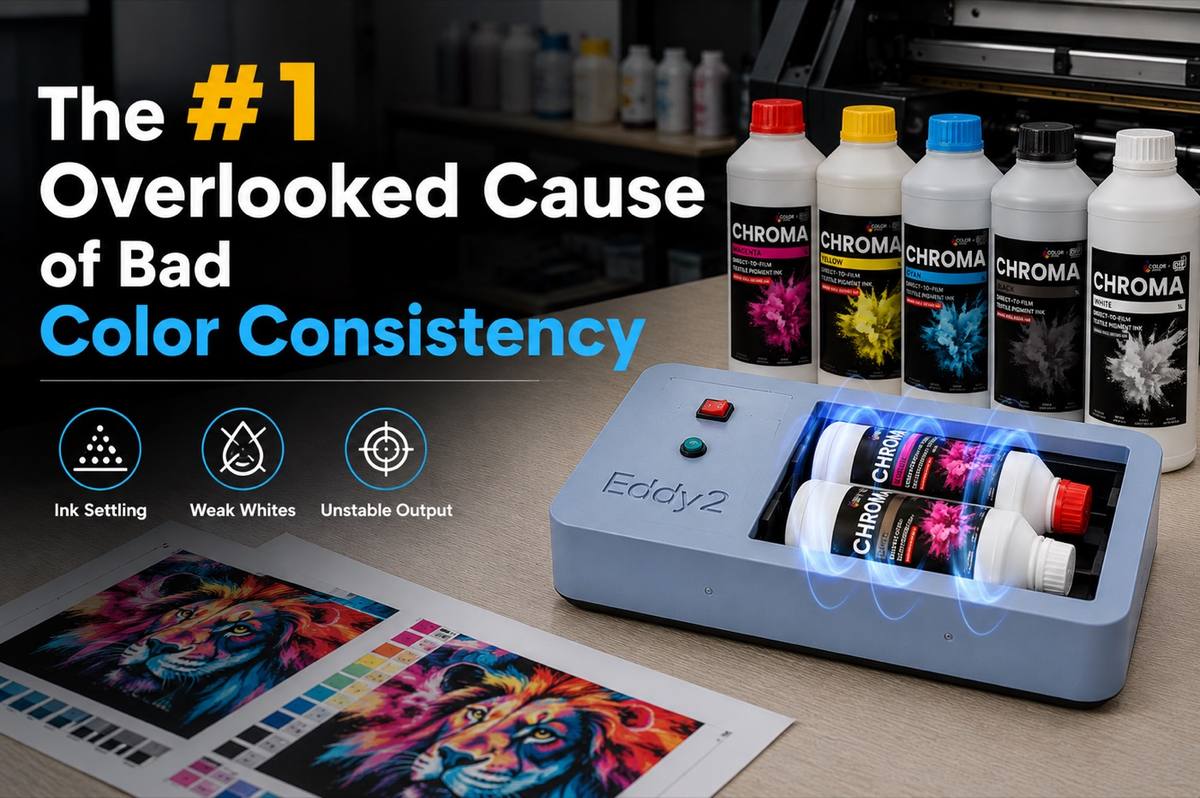
Key Takeaway: Color consistency issues in DTF printing aren’t caused by just one factor—but ink agitation is often overlooked. When white ink isn’t properly mixed, settled titanium dioxide can result in weak whites and muted output. Consistent, controlled mixing helps stabilize ink performance, reduce air bubbles, and support smoother, more predictable printing results.
Table of Contents
- Introduction
- The Science of DTF White Ink: Why Colors Shift
- The Profit Drain: Why Reprints Kill Margins
- The Myth of “Just Shake It”: Manual Shaking vs. Automated Mixing
- Early Warning Signs of Ink Settling
- Choosing the Right Ink: The Foundation of Color Consistency
- A Bulletproof Morning Prep Routine
- Frequently Asked Questions
- Is an automated shaker necessary for small shops?
- Why do my DTF colors look faded after pressing?
- Can unmixed DTF ink permanently damage my printer?
- How long must I manually shake ink if I don’t have an automated mixer?
- Conclusion
Introduction
Direct-to-Film (DTF) printing has completely revolutionized the custom apparel industry, offering unprecedented vibrancy, stretchability, and versatility across a wide range of fabrics. However, as printshops begin to scale their operations from hobbyist setups to high-volume commercial production, many encounter a silent, margin-destroying profit-killer: bad color consistency.
You can spend hours dialing in ICC profiles, calibrating monitors, and investing in premium RIP software—yet still see colors drift from batch to batch. Many print shops lose thousands each year chasing consistent output.
Color consistency in DTF printing is influenced by multiple factors, but one commonly overlooked issue is ink management. When white ink isn’t properly homogenized, titanium dioxide can settle, leading to subtle color shifts, weaker whites, and inconsistent results across runs. These variations don’t just affect print quality—they can result in wasted materials, reprints, and dissatisfied customers.
In this guide, we’ll break down the science behind ink settling, the real impact of color inconsistency on your business, and how more consistent ink agitation can help stabilize your workflow and improve overall output reliability.
The Science of DTF White Ink: Why Colors Shift
To understand why bad color consistency happens, we have to look at the chemistry of DTF inks. Bad color consistency primarily stems from ink separation and pigment settling, specifically in the white ink channel.
- The Heavy Lifting of Titanium Dioxide (TiO2): DTF white ink relies heavily on Titanium Dioxide, a highly dense, naturally occurring mineral pigment that provides the crucial opaque underbase necessary for DTF transfers. Because TiO2 particles are significantly heavier than the liquid carrier fluid they are suspended in, gravity takes over the moment the bottle sits still. Overnight, the heavy pigment sinks to the bottom, leaving a watery, translucent carrier fluid at the top.
- The Weak Underbase Effect: If this separated ink is pulled into the printer’s lines, it lays down a watery, translucent underbase on the film. DTF printing relies on a solid white foundation to act as a reflective background for the CMYK colors printed on top. Without this opaque white layer, the top CMYK colors lose their vibrancy, absorbing into the garment rather than popping off it.
- The Resulting Color Shift: When the white underbase is weak, vibrant reds turn into muddy browns, bright blues become dark navies, and skin tones look sickly. The CMYK ink is performing perfectly, but the lack of a white background destroys the optical illusion of the color.
The Profit Drain: Why Reprints Kill Margins
Inconsistent colors do more than just waste a few milliliters of ink; they destroy wholesale profit margins instantly. Consider the compounding costs of a single ruined batch of custom apparel:
- Exponential Material Costs: Every bad print means wasted premium apparel blanks, expensive DTF film, adhesive powder, and ink. A ruined run of 50 premium heavyweight hoodies can easily cost upwards of $700 to $1,000 in materials alone.
- Lost Production Time and Labor: Every minute spent re-running a failed job is a minute your shop isn’t producing new revenue. Troubleshooting color shifts, flushing ink lines, and re-pressing garments halts your entire production line, doubling your labor costs for a job that now pays exactly the same.
- Damaged B2B Trust and Reputation: Corporate buyers, schools, and wholesale clients demand exact brand color matching. If a corporate logo looks vibrant red in January but faded orange in a March reorder, you risk losing lucrative, recurring contracts. In the B2B space, consistency is just as important as quality.
The Myth of “Just Shake It”: Manual Shaking vs. Automated Mixing
For years, the industry standard advice was simply shaking the white ink bottle before use. However, as production demands increase, many shops are realizing that manual shaking introduces variability that’s hard to control at scale.
Manual shaking is inherently inconsistent—different operators apply different force, duration, and frequency. In addition, aggressive shaking can introduce micro-bubbles into the ink, which may travel through the system and affect print stability.
Because of this, many production-focused shops are gradually moving toward automated agitation methods, such as roller mixers or compact vortex-style shakers. These systems apply consistent motion to keep pigments evenly suspended without introducing excess air.
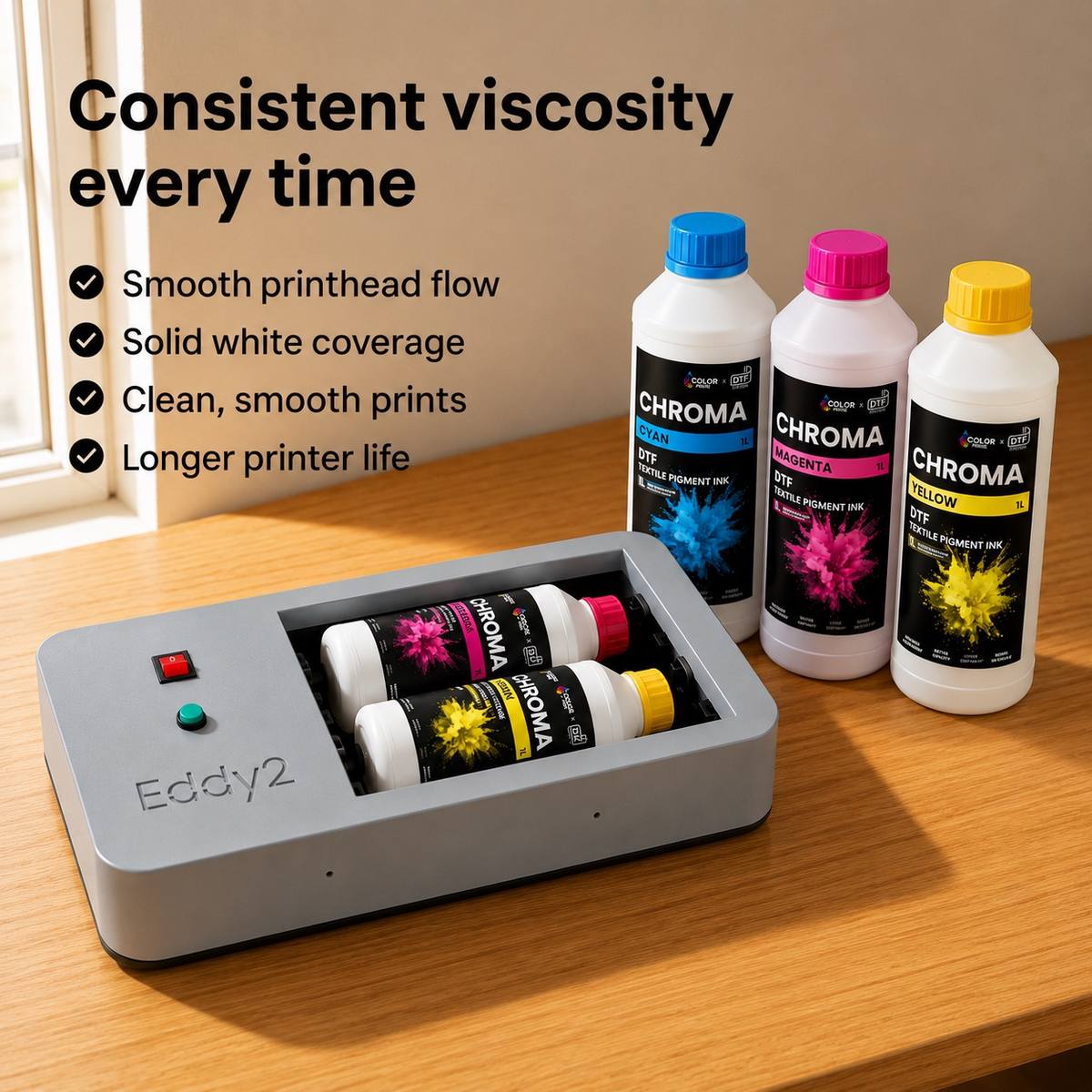
In practical workflows, tools like the Eddy2 ink bottle shaker are often used during pre-production to standardize ink preparation. Rather than relying on operator habits, they help ensure each bottle reaches a more uniform state before entering the printing process.
The result isn’t just convenience—it’s a more repeatable foundation for color output across batches.
Early Warning Signs of Ink Settling
Don’t wait until a massive order is ruined and pressed onto garments to check your ink. Train your operators to catch these early warning signs before ruining a batch:
- Watery white deposits in dampers and lines: If you look at your white ink lines or dampers and see a translucent, milky, or separated fluid instead of a solid, opaque white, your ink has settled and needs immediate flushing.
- Semi-transparent underbases on film: Hold your printed film up to the light before it goes through the powder shaker and curing oven. If you can easily see light passing through the white underbase, your CMYK colors will not pop.
- Muted or muddy CMYK colors on test prints: If your reds look brown or your bright blues look navy on your morning test print, the lack of a solid white background is likely absorbing the color. Stop production immediately and address the white ink.
Choosing the Right Ink: The Foundation of Color Consistency
Before workflow and mixing, ink quality sets the baseline for color consistency.
Different DTF inks vary in how quickly pigments settle, how stable the white opacity remains, and how consistently they perform across runs. Lower stability inks tend to separate faster, leading to more frequent re-mixing and higher variability during production.
 Color Prime Chroma DTF Ink
 What to Look For
- Pigment stability (slower settling)
- Strong, consistent white opacity
- Stable viscosity during long runs
| Color Prime® Chroma | Color Prime® | US Ink S | China Ink IB | US Ink N | US Ink DP | |
|---|---|---|---|---|---|---|
| Pantone Color Accuracy | 9 | 8 | 10 | 9 | 8 | 8 |
| Color Vividness | 9 | 8 | 9 | 9 | 9 | 9 |
| Greyscale Accuracy | 8 | 8 | 8 | 8 | 8 | 8 |
| Color Gamut Size (ICC DigiRIP) | 385,476 | 327,924 | 331,243 | 351,680 | 302,096 | 330,505 |
| Wash fastness (4× wash, 95°F) | 8 | 8 | 6 | 8 | 7 | 6 |
| Elongation | 8 | 8.5 | 6 | 7.5 | 8 | 7 |
| Quick Glide Film Compatibility | 9 | 9 | 8 | 6 | 8 | 5 |
| Humectant Residue | 7 | 7 | 5 | 5 | 7 | 5 |
| Overall Score | 8.3 | 8.1 | 7.4 | 7.5 | 7.9 | 6.9 |
Notes: Overall scores are the mean of 1–10 criteria shown (excluding “Color gamut size”).
👉 Download full comparison report>>
Many production-focused shops prefer inks designed for better suspension stability, such as Chroma DTF ink.
But regardless of the ink you use, proper agitation is still critical—which is where controlled mixing becomes essential.
A Bulletproof Morning Prep Routine
Guarantee zero color shifts and protect your printheads with this quick, mandatory daily Standard Operating Procedure (SOP):
- Automate Agitation First Thing: Place your DTF white ink on an automated shaker at the start of the day to ensure proper mixing before production. Many shops incorporate compact mixers (such as bottle shakers or roller systems) into this step to standardize preparation without adding extra labor. Let it mix for the manufacturer’s recommended time (usually 10-15 minutes) while you boot up the rest of the equipment.
- Check the Environment: Verify your shop’s humidity (ideally 45-60%) and temperature (70-75°F). Fluctuations in temperature can drastically affect ink viscosity and flow rates.
- Perform a White Ink Circulation: If your printer has a WIMS (White Ink Management System), run a circulation cycle to push the freshly mixed ink from the bulk tank through the lines and back.
- Test Print and Nozzle Check: Run a mandatory nozzle check to ensure all channels are firing perfectly, followed by a small color test strip featuring your most commonly used brand colors.
- Compare to a Master: Match the test strip against a physical master reference file under proper 5000K daylight lighting to confirm 100% color accuracy before starting the day’s production.
Frequently Asked Questions
Is an automated shaker necessary for small shops?
Not always—but as production volume increases, consistency becomes harder to maintain manually. Many growing shops introduce compact automated mixers to reduce variability between operators and improve repeatability across jobs.
Why do my DTF colors look faded after pressing?
Faded colors are almost always the result of poor mixing leading to a weak white underbase. Because DTF relies on the white layer to reflect light back through the translucent CMYK layer, a thin or watery underbase causes the CMYK colors to sink into the fabric of the garment and lose their visual vibrancy.
Can unmixed DTF ink permanently damage my printer?
Yes, absolutely. Settled titanium dioxide creates thick, sludge-like clumps at the bottom of the bottle or bulk tank. If these clumps are drawn into the ink lines, they will quickly clog your dampers and permanently block the microscopic nozzles in your expensive printheads, leading to costly downtime and replacement parts.
How long must I manually shake ink if I don’t have an automated mixer?
If you must shake manually, it requires 3-5 minutes of vigorous, continuous shaking per bottle, followed by a resting period to allow the micro-bubbles to rise to the top and pop. However, automated shakers are highly recommended to eliminate operator fatigue, prevent aeration, and ensure a perfectly homogenous mixture every single time.
Conclusion
Bad color consistency is often a process issue, not just a design or profile problem.
By understanding how titanium dioxide behaves and improving how ink is handled before printing, shops can significantly reduce variability in their output.
Establishing a consistent agitation routine—whether manual or automated—helps protect print quality, reduce rework, and support more reliable production at scale.