+15%
Wider gamut, up to
CMYK+W
Plus 4 specialty colors
1 L
Production bottles

Wider gamut, truer color

A 10 to 15% wider color gamut than standard DTF ink reaches shades ordinary inks cannot, for brighter, more accurate prints.

Talk to us

White that covers

Stronger white opacity lays a bold, reliable underbase, so color stays vivid on dark garments.

Talk to us

Runs clean, day after day

Enhanced viscosity resists clogging and an extended shelf life keeps your line production ready.

Talk to us

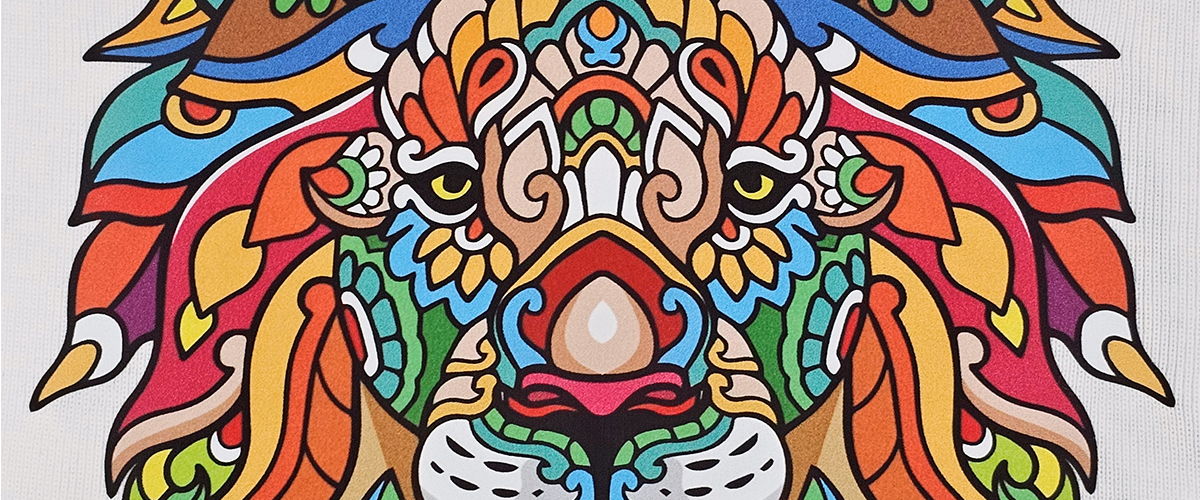
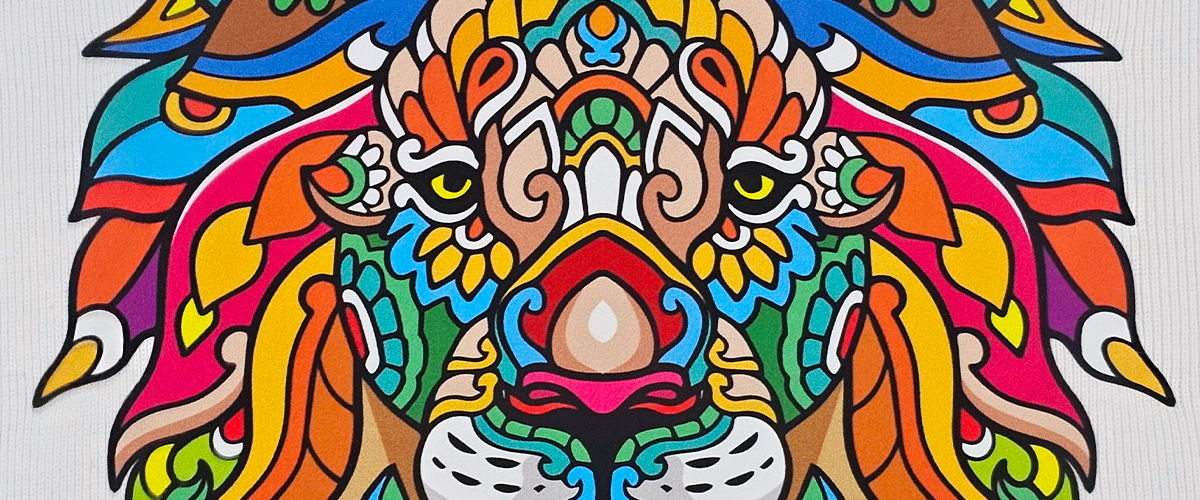
The same print, side by side

One design, printed with Color Prime Original and with Chroma. Richer color, same printer.

A multicolor lion design printed with Color Prime Original ink
Color Prime Original
A multicolor lion design printed with Color Prime Chroma ink
Color Prime Chroma
Switching to Chroma

Ready to make the switch?

Nine steps, whether or not you run a DTF Station printer. If you use Color Prime White, RGBO or Light Cyan / Light Magenta, those are the same formulas in Chroma, so only your CMYK needs switching.

Play video: How to remove current CMYK inks and fill Color Prime Chroma
For Prestige R2, L2, XL2, XL3, XL4
Play video: How to remove current CMYK inks and fill Color Prime Chroma on the Prestige R1
For Prestige R1
Part 1

Drain your current ink

  1. Use up current ink. To avoid wasting ink, wait until ink levels are as low as possible to switch.
  2. Pull the remaining ink. Using a syringe, pull remaining ink out of each tank and dispose into the waste bottle.
  3. Repeat for every tank. Rinse the syringe and repeat for all applicable ink tanks.
  4. Perform regular maintenance. Clean with a swab around the print head, capping station and wiper blade.
  5. Run Fill Ink until the lines are empty. Menu → Head Maintain → Fill Ink → Left Head.
  6. Force the drain. Close valves or engage clamps as needed.
Part 2

Fill with Chroma

  1. Fill with Chroma. Fill the ink tanks with Color Prime Chroma after shaking thoroughly.
  2. Run Fill Ink. Menu → Head Maintain → Fill Ink → Left Head.
  3. Clean three times. Perform 3 head cleanings back to back.

Real results from real printers

Play video: How Cristina Tran stands out with Chroma
Ohana Prints

How Cristina Tran stands out with Chroma

Cristina runs Ohana Prints and a DTF community of nearly 3,000 on Facebook. As one of our Chroma beta testers, she shows how Chroma ink and Glide Pro film (then called Quick Glide, as it is in the video) lifted her print quality in a crowded market.

Play video: Why Michael switched to Chroma
Devoted Brand

Why Michael switched to Chroma

Vince from DTF Station visits Michael at Devoted Brand to hear why he made the switch, and what the color looks like on his own work.

How Chroma compares

Color Prime Chroma against our original ink and four other DTF inks sold in the US. Scores out of 10, higher is better.

MeasureColor Prime ChromaColor Prime OriginalUS Ink SChina Ink IBUS Ink NUS Ink DP
Pantone color accuracy9810988
Color vividness989999
Greyscale accuracy888888
Color gamut size (DigiRIP)385,476327,924331,243351,680302,096330,505
Wash fastness (4 washes, 95°F)886876
Elongation88.567.587
Glide Pro film compatibility998685
Humectant residue775575
Overall score8.38.17.47.57.96.9

The overall score is the mean of the 1 to 10 scores above; the gamut size is not part of it.

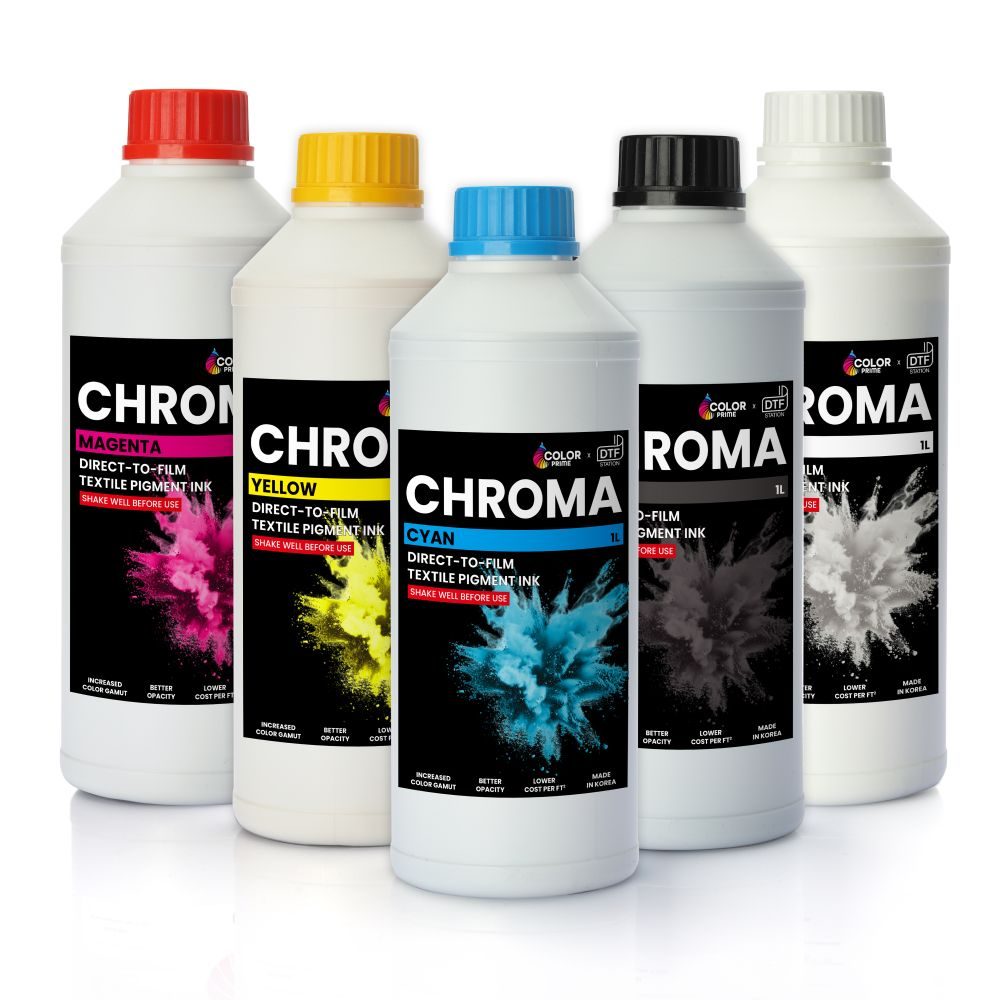
The Chroma color lineup

Five production colors, plus four specialty colors for extended-gamut (9-color) printers.

Production colors · 1 L
CyanMagentaYellowBlackWhite
Specialty colors · 500 ml · for 9-color printers
Light CyanLight MagentaGreenOrange

The numbers

Color gamut10 to 15% wider than standard DTF ink
White inkHigher opacity for a bold underbase
FlowEnhanced viscosity for clog resistance
Shelf lifeLabeled 12 months unopened, proven stable for over 18
StorageSealed, 59 to 77°F, out of direct sunlight
Made byOur Korean ink partner, from premium raw materials
Bottle size1 L (specialty colors 500 ml)
Production colorsCyan, Magenta, Yellow, Black, White
Specialty colorsLight Cyan, Light Magenta, Green, Orange (for 9-color printers)
CompatibilityAll Prestige printers and most third-party DTF systems
Questions

Before you switch

Is Chroma compatible with my printer?

Chroma was made for the whole DTF Station line, and it is compatible with all textile direct-to-film printers.

Does Chroma work with any film?

Yes. It works with all PET films, cold, warm and instant peel. For the best results, pair it with Glide Pro film.

Do I need to flush my ink lines before switching?

If you run Color Prime ink now, no. Draining your tanks first is highly recommended, but flushing the lines is not required. If you run any other brand of DTF ink, flushing is required.

I use Color Prime White or specialty colors. Do those need switching?

No. Color Prime White, RGBO and Light Cyan / Light Magenta are the same formulas in Chroma, so there is nothing to drain or refill. Only CMYK needs the switching steps.

How long does it keep, and how should I store it?

12 months unopened, per the lot label. Store it sealed at 59 to 77°F, away from direct sunlight, and gently agitate white ink regularly.

Do I need different RIP software? Where are the ICC profiles?

Your current RIP software is fine. All Color Prime ink and film ICC profiles are in Digital Factory and neoStampa; for the latest, contact your nearest DTF Station dealer.

Built to work as one system

Chroma ink is tuned to Color Prime powder and film, and to every Prestige printer that runs it.

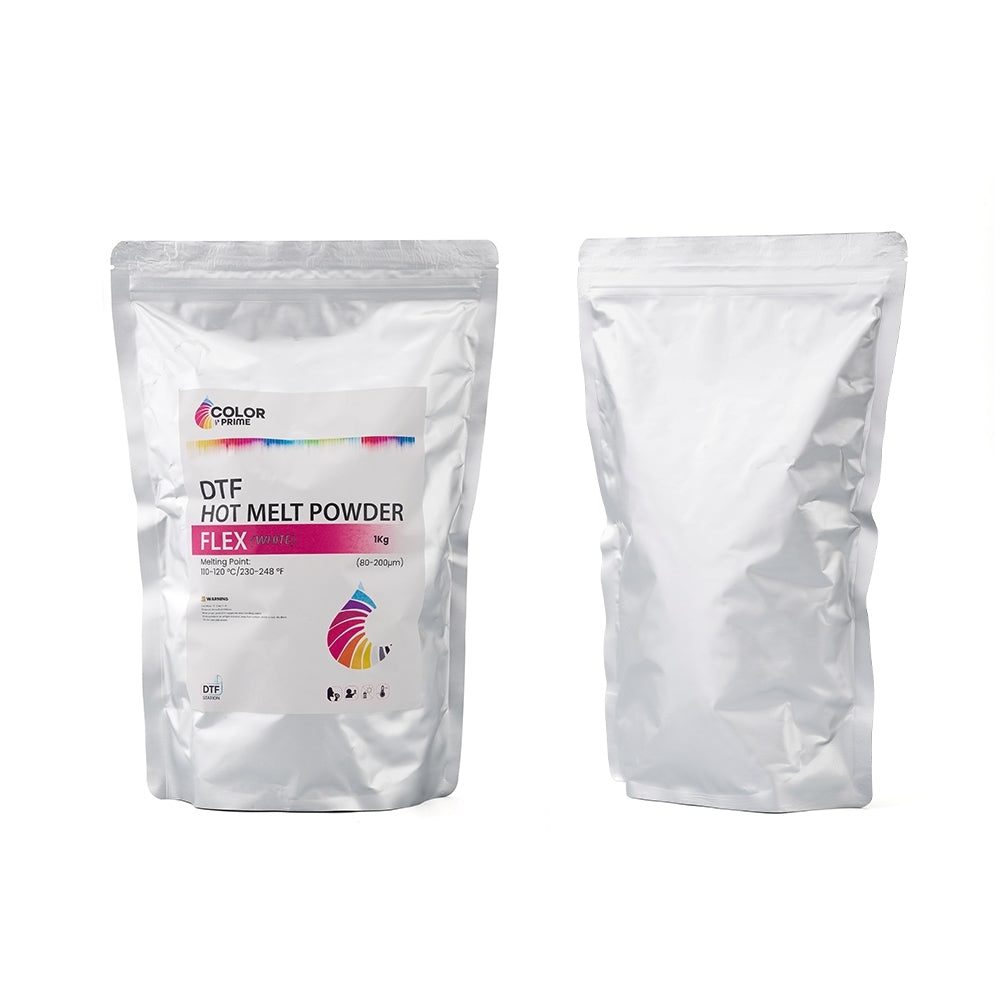
Color Prime Flex powder
Powder

Hot Melt & Flex

Standard adhesion or soft stretch, matched to your fabric.

Explore
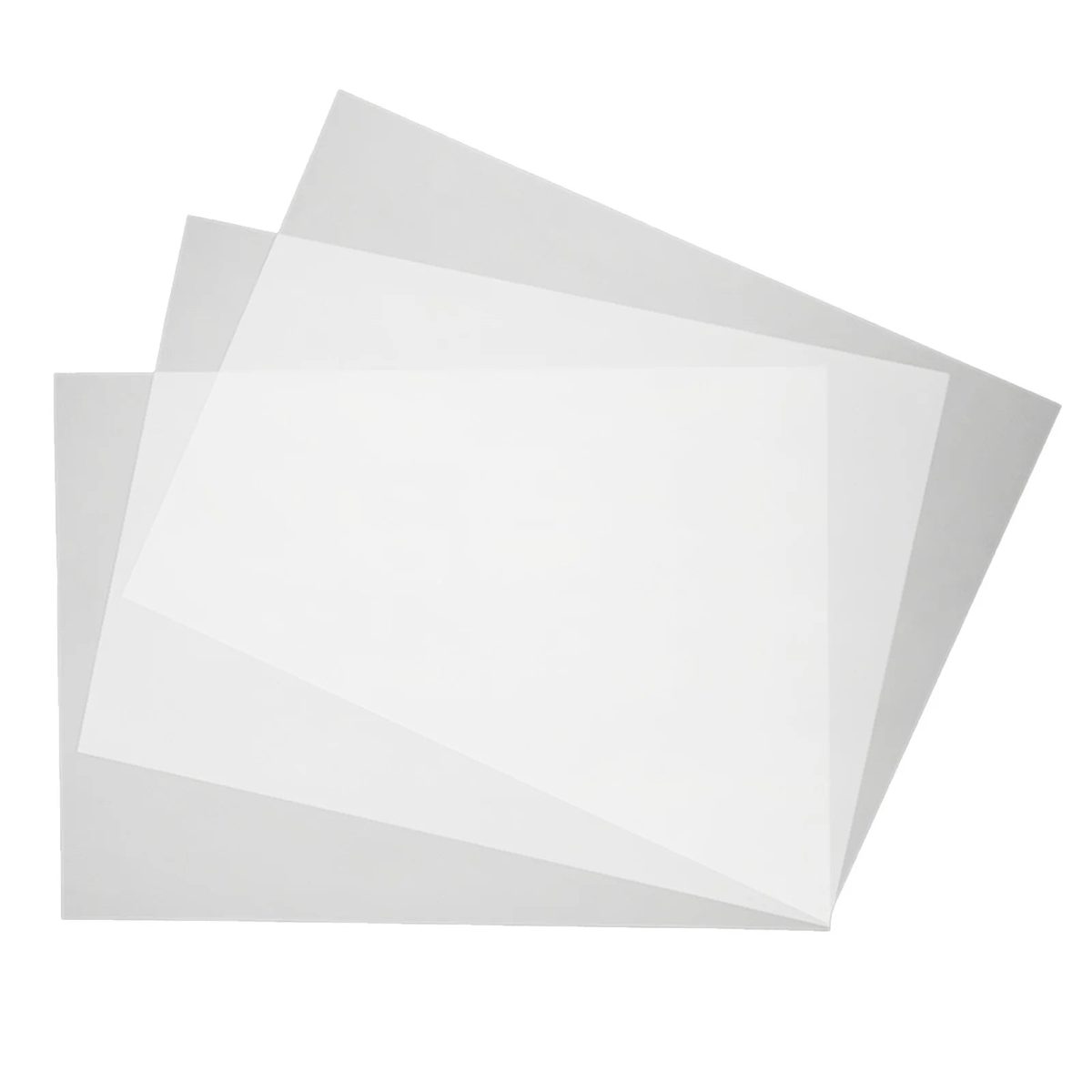
Glide Pro DTF film
Film

Glide Pro

Instant-peel film with a premium soft hand, in rolls and sheets.

Explore
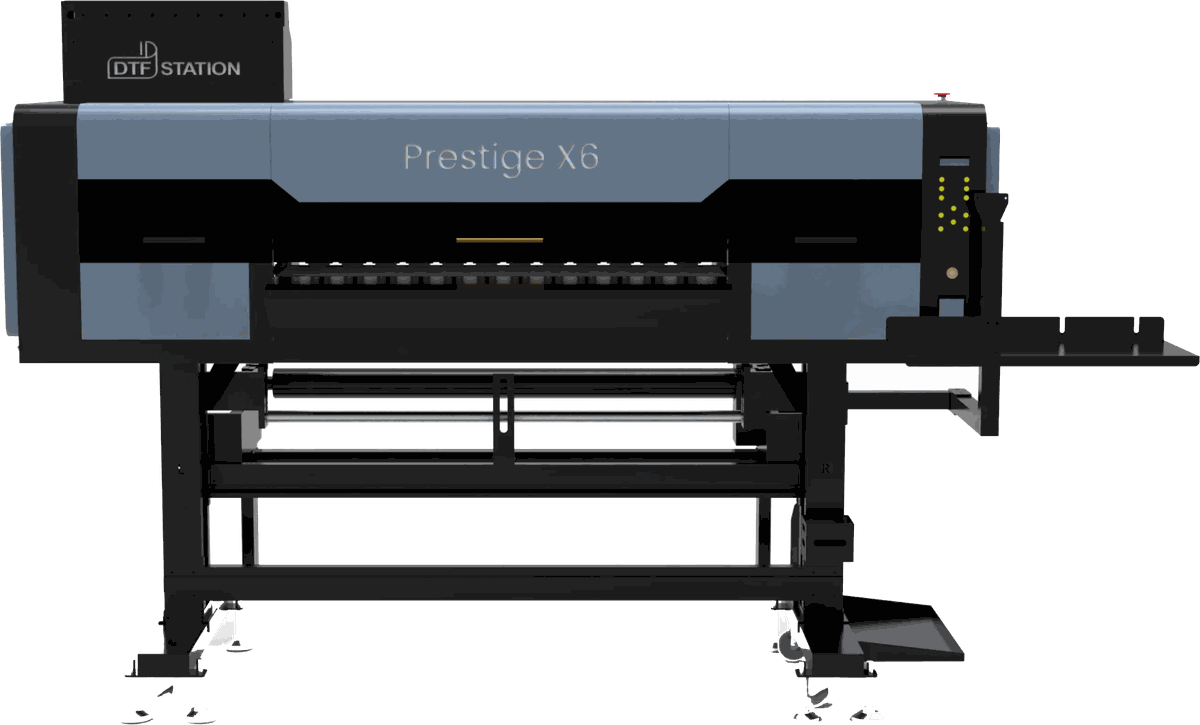
Prestige X6 DTF printer
Printers

Prestige line

Every Prestige printer runs Chroma ink, from the R-series to the X6.

Compare printers

Keep your color consistent

Order Chroma ink, stocked and supported nationwide.

Open a wholesale account