
Navigating Seasonal Shifts: Ink Performance Tips for Fall and Winter
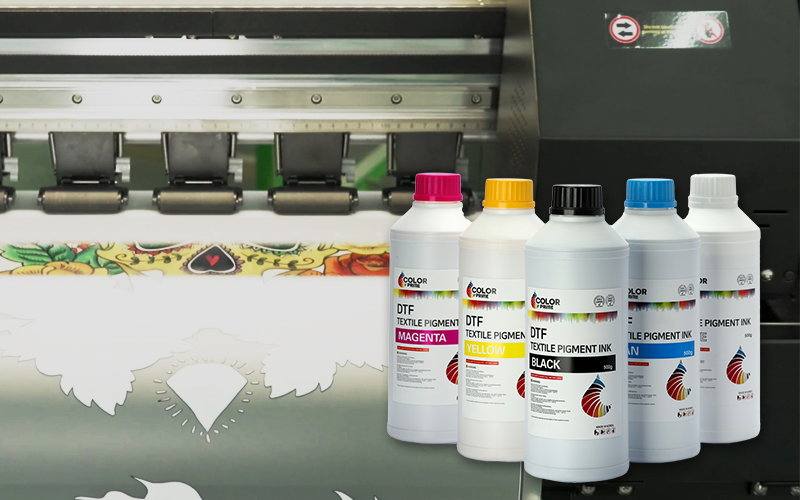
As we transition into the fall and winter seasons, the climate undergoes significant changes, with noticeable temperature variations in different regions. Some areas experience cold and dry weather, which can impact the performance of ink during use. To ensure the proper functioning of the ink and achieve the desired results, it’s essential to take specific measures tailored to these seasonal conditions.
Table of Contents
- Effects of Cold Weather
- Effects of Dry Weather
- Tips for Optimal Performance and Maintenance
- Recommended Environment for Ink Usage
- Conclusion
Effects of Cold Weather
When temperatures drop, the viscosity of ink increases, leading to decreased ink flow. This can affect the printer’s performance, causing issues such as unintened lines, frequent ink interruptions, color misalignment, ink splattering, and challenging cleaning processes.
Effects of Dry Weather
The printer’s components, especially the print head and ink, are significantly affected by these conditions. In dry environments, where static electricity is high, issues like ink splattering may occur during ink usage. It’s advisable to ground the equipment to minimize these effects. Additionally, in dry air conditions, ink evaporation speeds up, and the surface of the print head may dry, resulting in issues like broken lines, skewed spraying, color misalignment, and ink interruptions during the printing process. Failure to maintain the printer in these conditions can lead to damage to the print head.
Tips for Optimal Performance and Maintenance
Tip 1: It is recommended to turn the printer on and off daily, performing inkjet checks. If any issues like broken lines are detected, nozzle cleaning operations should be carried out until the nozzles return to normal. This ensures the smooth flow of the pipeline and keeps the print head moist. If conditions allow, print small color blocks for each color.
Tip 2: If the printer is to be shut down for 3-5 days, the print head should be moved out while the printer is off. Apply a specialized cleaning solution to the ink stack, use a long-tail clamp to secure the waste ink tube, then move the print head to the ink stack, ensuring a tight seal between the print head and the ink stack.
Recommended Environment for Ink Usage
Different types of inks require specific temperature and humidity conditions for their best performance. To help you achieve optimal results, here are the recommended values and some tips to avoid mentioned print failure:
| Ink Type | Optimal Room Temperature | Optimal Indoor Humidity | Tips |
|---|---|---|---|
| UV | 20-30°C | 40%-80% |
|
| Solvent | 15-40°C | 30%-80% |
|
| Sublimation | 15-30°C | 50%-80% |
|
| Pigment | 20-30°C | 50%-80% |
|
| Dye | 15-35°C | 40%-80% |
|
Conclusion
Fall and winter bring unique challenges to DTF printing, but fear not! Our comprehensive guide has equipped you with the wisdom to conquer the effects of cold and dry weather. With tips for optimal ink performance and maintenance, you’re set for success. Ready to elevate your printing game further? Explore our recommended environment suggestions for the ultimate printing experience. Please share the post if you find it helpful and if you have insights and tips to share, please leave a comment.